Understanding TradingView's Core Features
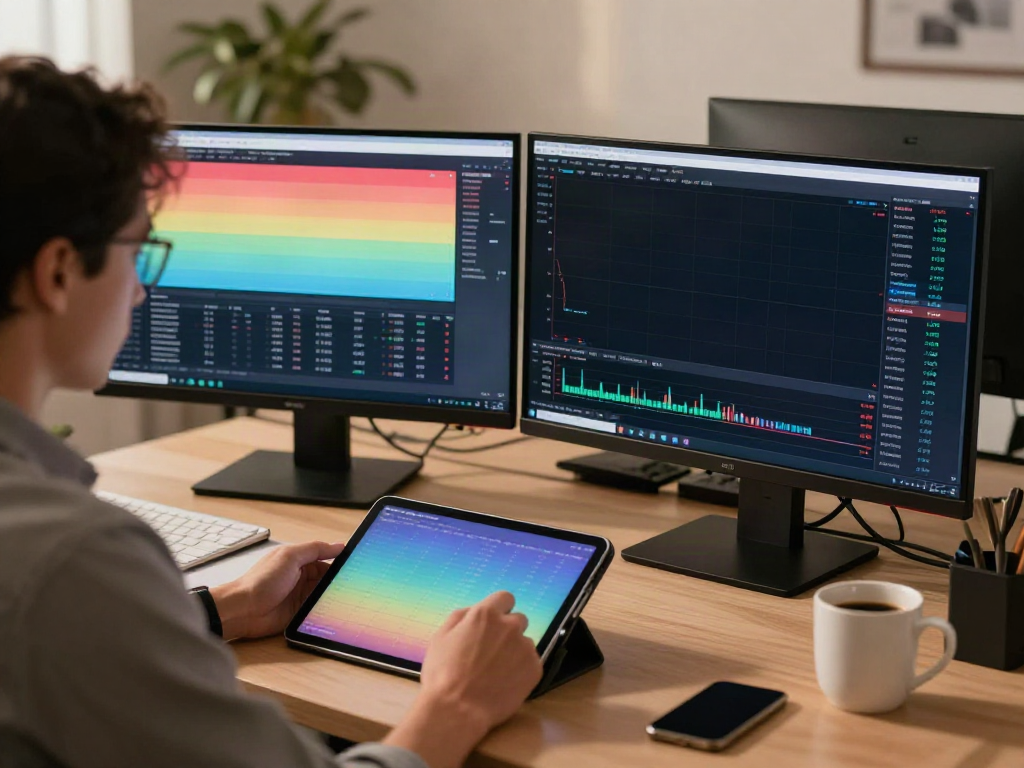
In today’s fast-paced financial markets, having an effective platform for market analysis and trading is essential for both new and seasoned traders. TradingView stands out as a versatile tool that combines advanced charting capabilities, real-time data, and collaborative features. It empowers users to analyze various financial markets seamlessly through a browser or app of their choice. When exploring options, TradingView provides comprehensive insights into the dynamics of market movements, enabling traders to adapt their strategies accordingly.
What Is TradingView and How Does It Work?
TradingView is a cloud-based platform designed for traders and investors to visualize and analyze market data. It offers a wide range of functionalities, including customizable charts, trading ideas from a vast community, and technical analysis tools. The platform functions through an intuitive interface that allows users to create and share charts, engage with other traders, and utilize a multitude of technical indicators tailored to their trading strategies. With TradingView, users can access historical data and real-time market updates, ensuring they are always informed.
Essential Tools for Market Analysis in TradingView
The platform features a variety of tools perfect for in-depth market analysis. Here are some essential tools available on TradingView:
- Charting Tools: Users can access nearly 100 different chart types, including candlesticks, line charts, and Renko charts, suitable for various trading styles.
- Technical Indicators: With over 100 built-in indicators and the ability to create custom indicators, traders can easily analyze trends and patterns.
- Drawing Tools: Tools like trend lines, Fibonacci retracement, and shapes help users annotate charts effectively.
- Market Screener: Users can filter stocks based on various parameters, helping them find opportunities that match their strategies.
Benefits of Using TradingView for Traders
TradingView offers several advantages, making it a popular choice among traders:
- Community Interaction: Users can share ideas, strategies, and analyses with a vibrant community, gaining insights from experienced traders.
- Multi-Device Access: The platform is accessible from desktop, web, and mobile devices, ensuring users can trade and analyze markets on the go.
- Real-Time Data: Users benefit from real-time data and alerts, allowing them to act quickly to changing market conditions.
Chart Analysis Functionality in TradingView
The heart of TradingView lies in its powerful chart analysis functionalities. Users can personalize their charts to reflect their trading preferences, which enhances the overall analysis process.
How to Use TradingView's Charting Tools Effectively
To maximize the potential of TradingView's charting tools, users should familiarize themselves with its interface. Starting with a basic chart, traders can add indicators, change time frames, and apply different chart types to suit their strategies. Additionally, using multiple charts side by side allows for comparative analysis of different assets.
Setting Up Your TradingView Dashboard for Optimal Insights
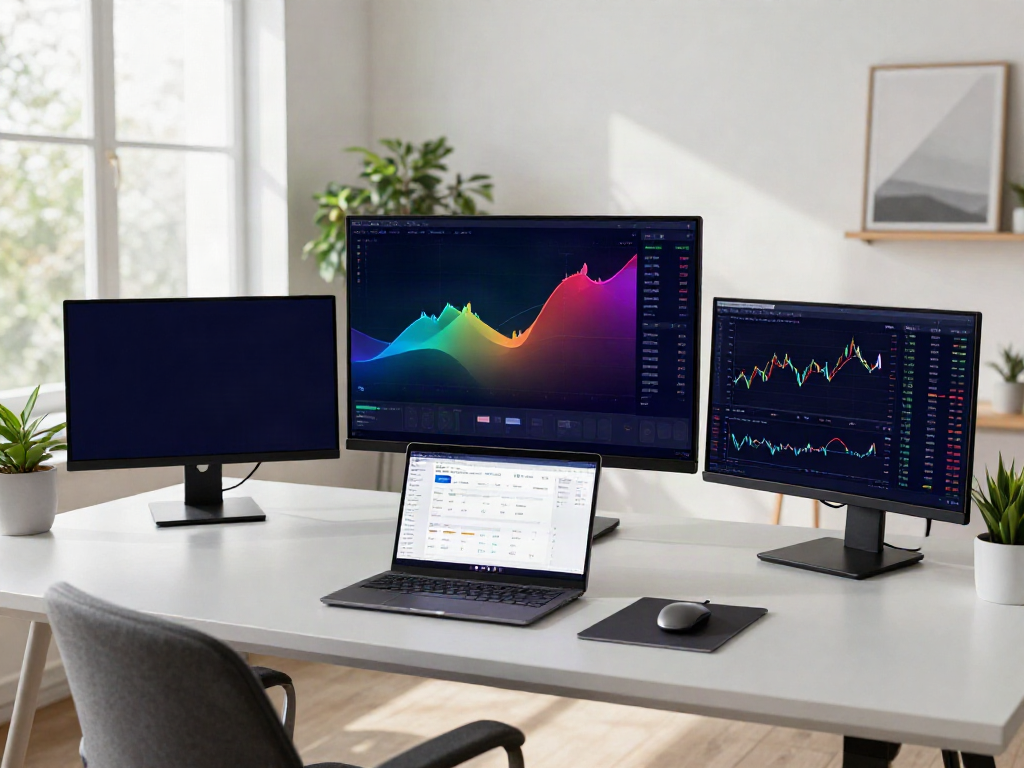
Customizing your TradingView dashboard is crucial for easy navigation and effective analysis. Users can arrange charts, indicators, and news feeds to create a personal workspace that meets their trading needs. Setting up the layout with frequently used tools can streamline the process of obtaining insights on market movements.
Combining Indicators for Comprehensive Market Analysis
Traders often combine multiple indicators to derive comprehensive insights from their analysis. For instance, using moving averages alongside RSI (Relative Strength Index) can help identify trends and potential reversals. This layered approach to analysis allows for a more nuanced view of the market, aiding in better decision-making.
Setting Up Alerts and Notifications
Alerts are an essential feature on TradingView that helps traders remain proactive without the need to constantly monitor the charts.
Understanding Price Alerts and Their Importance
Price alerts notify users when an asset reaches a specific price point, allowing traders to execute their strategies without needing active surveillance. This can significantly reduce stress and enhance trading efficiency, as traders can focus on analysis and strategy formulation instead of continuously watching the price movements.
Creating Custom Alert Conditions in TradingView
Custom alerts can be configured based on various criteria, including price levels, technical indicator thresholds, or fundamental news events. This personalization ensures that traders are alerted only to significant market movements that align with their trading strategies, thus optimizing their decision-making process.
Avoiding Common Mistakes with Alert Management
One common mistake traders make is overloading their alert systems. Too many alerts can lead to notification fatigue, resulting in missed trades or delayed responses. It is essential to prioritize alerts based on strategy and market conditions to maintain a balance between awareness and critical focus.
Cross-Device Compatibility and User Experience
TradingView excels in providing a seamless user experience across devices, ensuring that traders can analyze and execute trades from anywhere.
Accessing TradingView on Different Platforms
Users can access TradingView through web browsers, desktop applications for Windows, macOS, and Linux, as well as mobile apps for iOS and Android. This cross-platform compatibility allows traders to analyze markets whether they are in the office, at home, or on the go.
Syncing Data Across Devices for Seamless Experience
TradingView allows users to sync their settings, charts, and alerts across all devices. This means that once a trader makes a change or analysis on one device, it is immediately available on others. This feature is particularly beneficial for those who might start their analysis on a desktop and continue on a mobile device.
Choosing Between Desktop and Mobile Versions
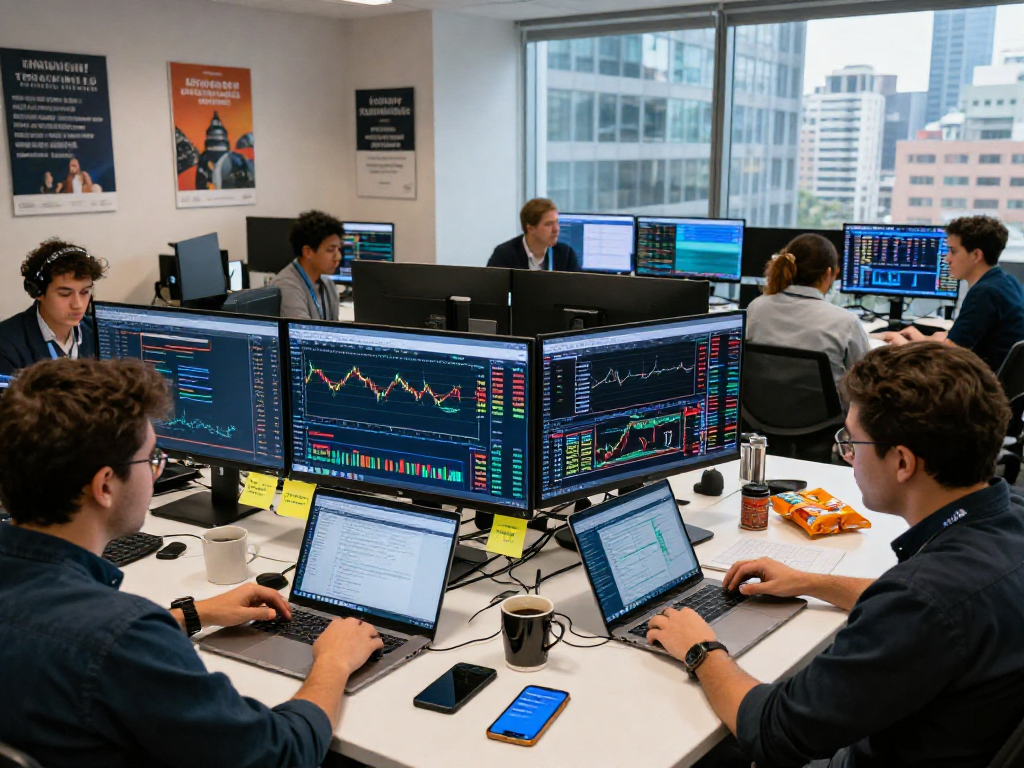
The choice between desktop and mobile versions of TradingView depends on user preferences and trading styles. The desktop version offers more features suited for in-depth analysis, including the ability to utilize multiple monitors. Conversely, the mobile version is designed for quick checks and alerts, making it great for traders who need to stay updated while away from their primary workstation.
Frequently Asked Questions about TradingView
New users often have many questions about the platform, its functionalities, and best practices. Here are some of the most common inquiries:
What types of markets can I track with TradingView?
TradingView supports a wide range of markets, including stocks, forex, cryptocurrencies, commodities, and indices. Users can analyze various assets from different regions and sectors, providing a comprehensive view of the financial landscape.
Are there free and premium plans available?
Yes, TradingView offers both free and premium subscription plans. The free version provides access to essential features, while premium plans unlock additional functionalities, such as advanced indicators, more alerts, and priority customer support.
How does TradingView handle user data and privacy?
TradingView takes user privacy seriously. The platform utilizes secure servers and complies with various regulations to protect user data. Users can view their privacy settings and choose what information to share publicly within the TradingView community.
Can TradingView be integrated with other trading platforms?
Yes, TradingView can integrate with various trading platforms, allowing users to execute trades directly from charts. This functionality enhances the trading experience by providing seamless access to analytics and execution capabilities.
What are the system requirements for using TradingView?
TradingView is a cloud-based application, which means that it can be accessed through any modern web browser. Users must have a stable internet connection and a device capable of running standard web applications. For the desktop application, specific operating system requirements apply, which can be found on the TradingView website.